




Skip to the content

Shotbolt

Screenshots and recordings for Mac: change any arrow or note after you save, and find any screenshot by a word in it.

Free forever. Every download starts with 7 days of Pro. Requires macOS 26.

One shortcut for every kind of capture.

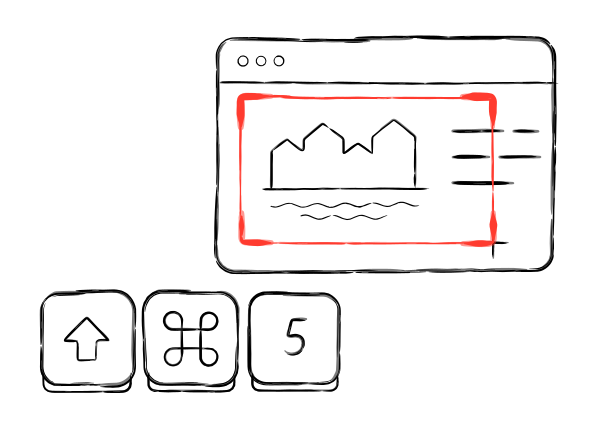
Press it, then choose: drag an area, or pick another kind of capture.

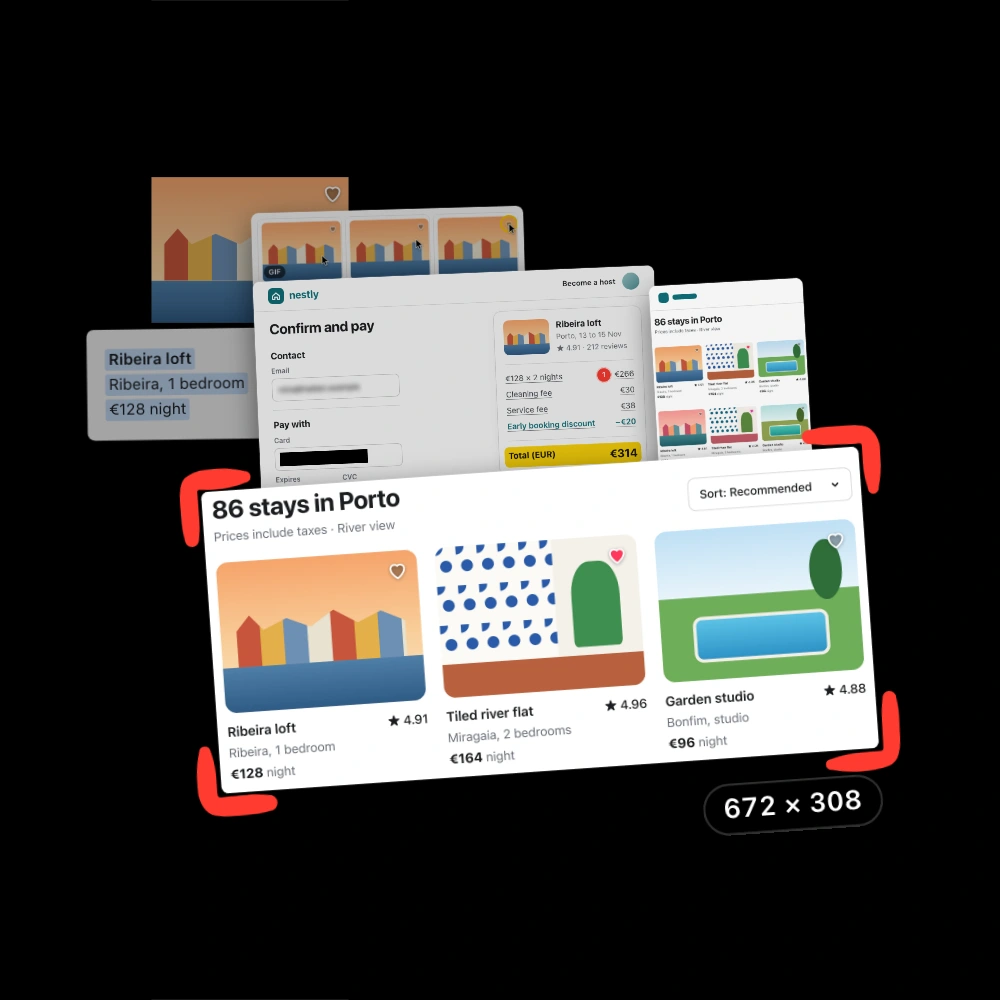
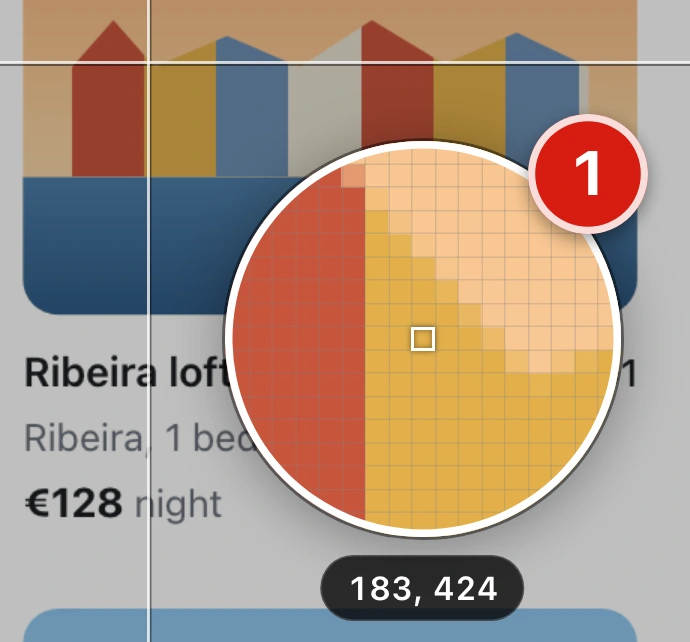
  1. The screen freezes. The magnifier shows each pixel, so you start on the exact one.

  2. Drag an area. Its size shows in points and pixels, and the arrow keys nudge it.

  3. One bar turns it into a picture, text, a long page, a video or a GIF.Each letter is a key. Scroll, Record and GIF are Pro (Shotbolt Pro).

  4. Copied and saved. The card keeps it close to mark up, pin or drag into an app.

Edit any mark after you save.

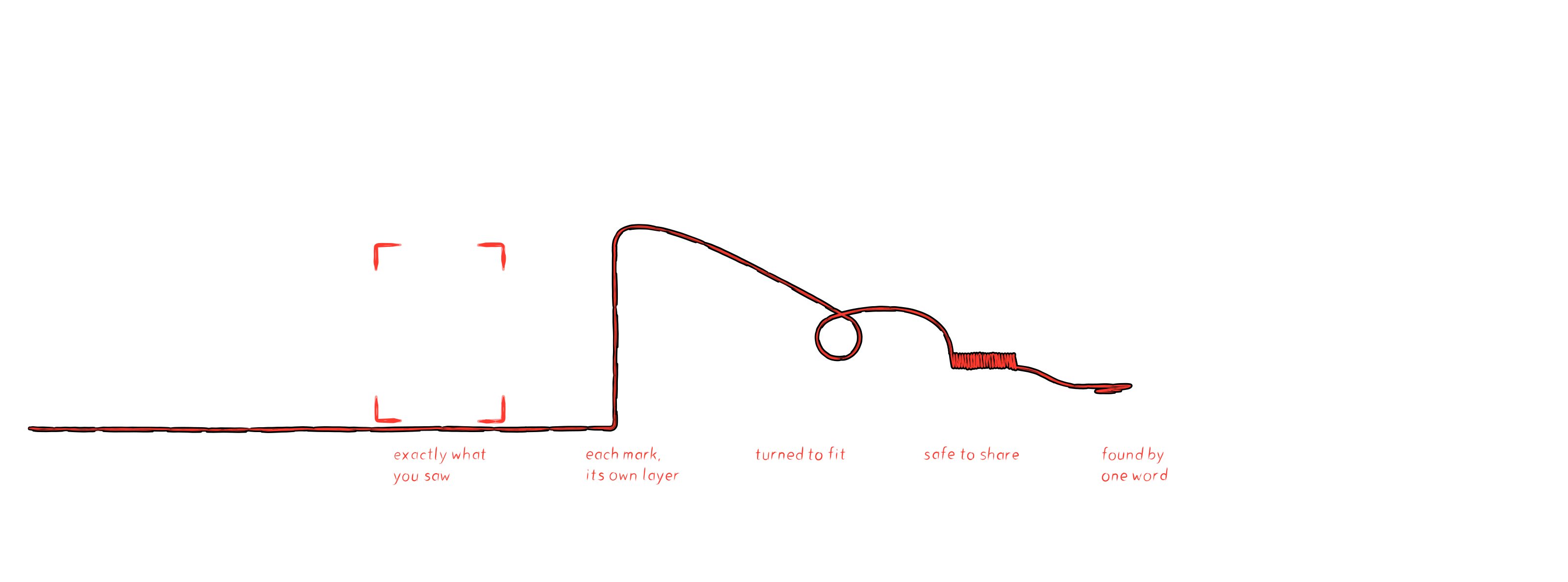
Each arrow, note and cover is its own layer, so one moves without the rest.

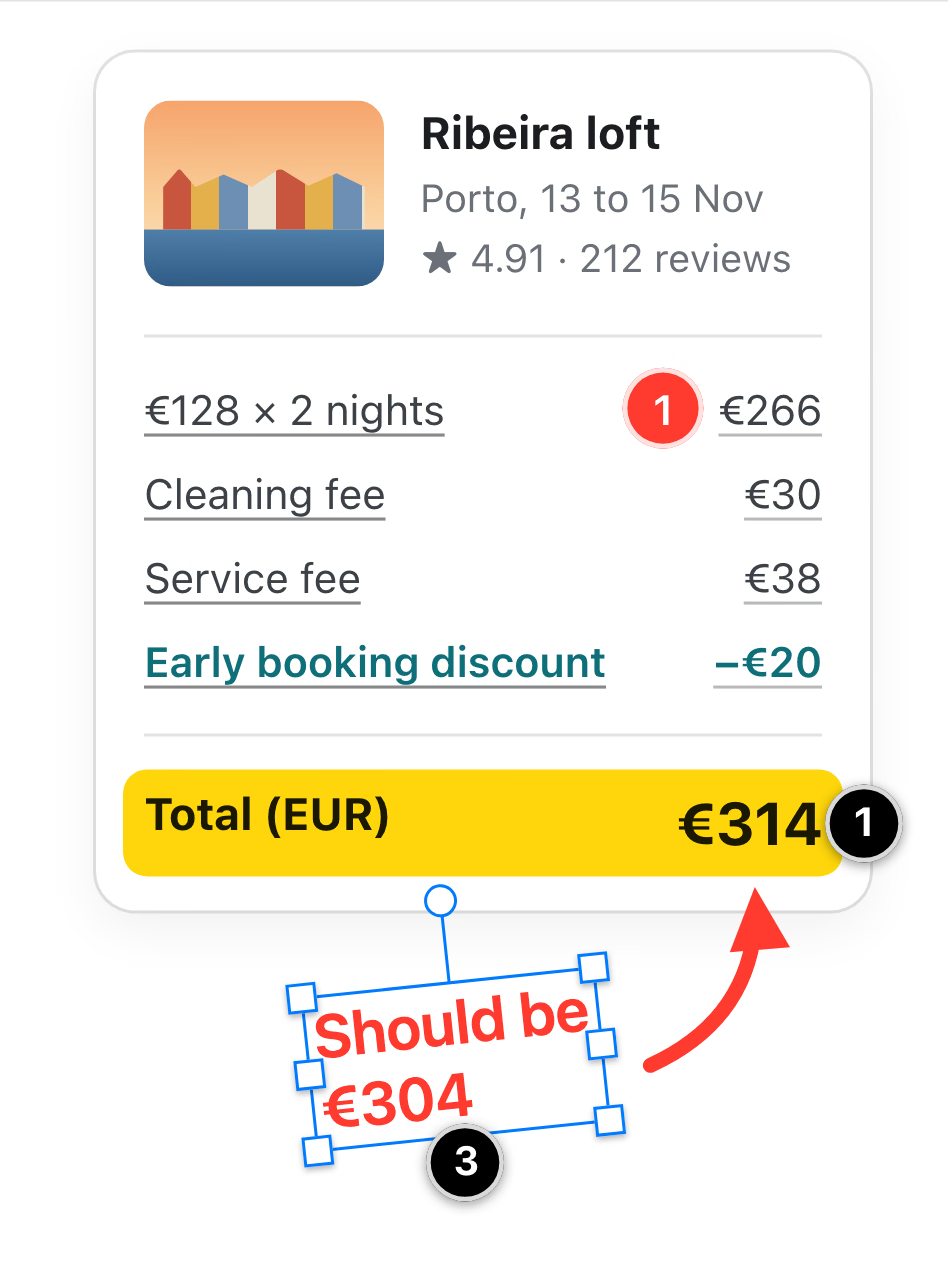
  1. Point it out. Marks pin down the wrong total, and each one becomes a row in Layers.

  2. Hide a layer. The eye on its row in Layers hides that mark and leaves the rest.

  3. Reshape the note. A side handle rewraps its lines, and the knob above turns it.

  4. Keep it private. Cover the email address by hand, or let Redact find the card number.

    Redact is Pro.

Search the words in your screenshots.

Type a word you remember, and the screenshot that shows it turns up.

  1. Any word. The search field takes a place, a price or part of an error.

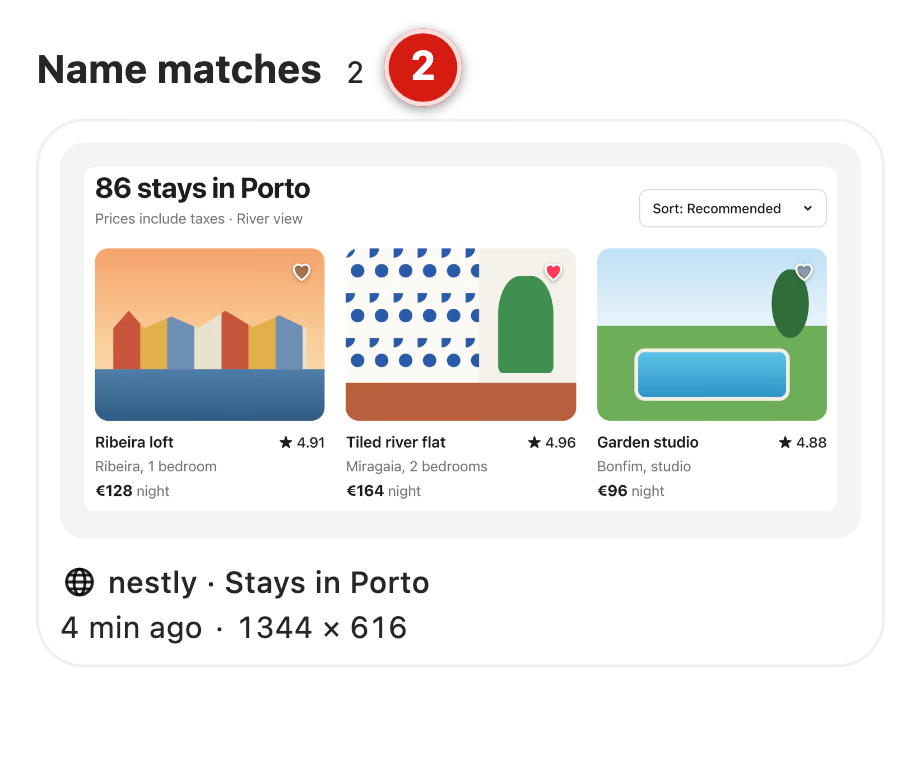
  2. Names first. Captures with the word in their name sit on top, under Name matches.

  3. Found in text. Then come screenshots that hold the word, each with the line it is in.

  4. Sorted for you. Each screenshot gets a category, such as Receipt, and a title you can read.

Everything you expect, and then some.

Six more things Shotbolt made today. Pro is marked; everything else is free.

Free

Every kind of screenshot, the editor with layers, text capture, pins and History with search. No time limit.

Pro

Recording and GIF, scrolling capture, Redact, several screenshots on one canvas and every other tool marked Pro (Shotbolt Pro). One payment.

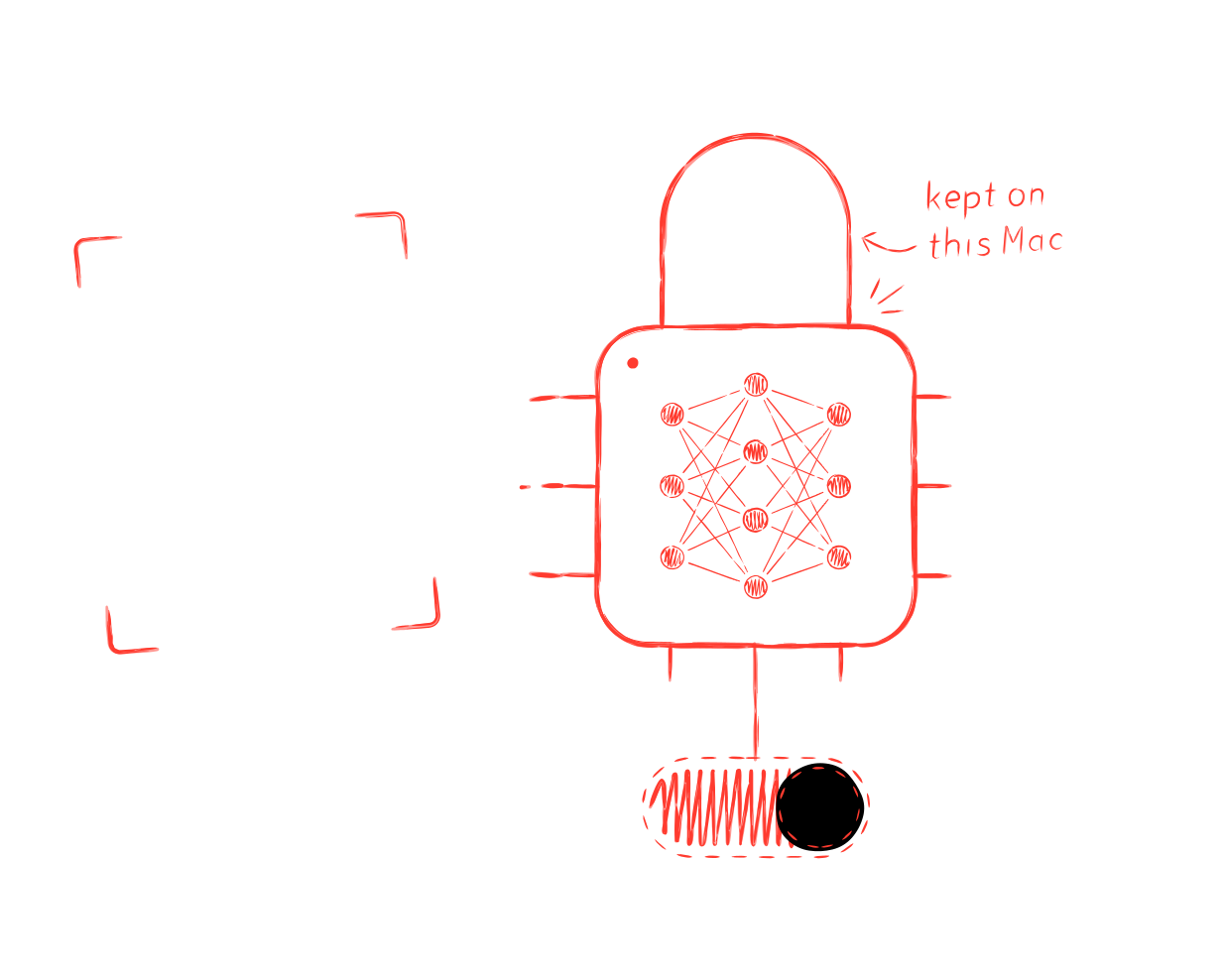
Your captures stay on your Mac.

Shotbolt reads the words in your screenshots so you can find one later.

  1. On your Mac. Apple’s text recognition does the reading, so no screenshot goes to a server.

  2. Yours to switch. On a Mac with Apple Intelligence, one switch turns off everything that uses it.

    Search works on every Mac, with the switch on or off.

  3. Never uploaded. What Shotbolt reads stays on your Mac, and there is no account to create.

Shotbolt goes online for two things: a daily update check you can turn off, and a license check if you enter a Pro key. Neither sends a capture.

We built the screenshot app we wanted.

We take screenshots all day, and every tool we tried stopped somewhere. Arrows became part of the picture once we saved, a note could not be turned, and the price felt high. So we built one app for the whole job, at a fair price, where a screenshot stays in layers: move a mark, turn a note, cover an address, find it by a word. We use Shotbolt every day. It improves with every release. See what changedMade in the Netherlands.

Free forever. Pro $9.99 once.

Pro is one payment. There is no subscription and no account to create.

Free

$0 forever

  • Every kind of screenshot: area, window, full screen, timer
  • The editor, with layers that stay editable
  • Text copied off anything on screen
  • History that finds a screenshot by a word in it
  • Quick Access cards and pins

No time limit and no account. Fine for work.
Shotbolt Pro

  • Everything in Free
  • Screen recording, as a video or a GIF
  • Scrolling capture, for a page longer than the screen
  • Several screenshots on one canvas
  • Redact, Edit Text, Measure and every other tool marked Pro (Shotbolt Pro)

Shotbolt Pro

Launch price $9.99, normally $15. once

Launch price until December 31, 2026.

Subscription:
none
Macs:
1, or 2 for $7.50 more
Refund:
14 days, no questions asked

One payment, free updates for all 1.x.

Every download starts with 7 days of Pro. After that Shotbolt keeps working as Free, and nothing you made is locked. Compare Free and Pro

Download for Mac.

Free to download. Three steps take you to your first capture.

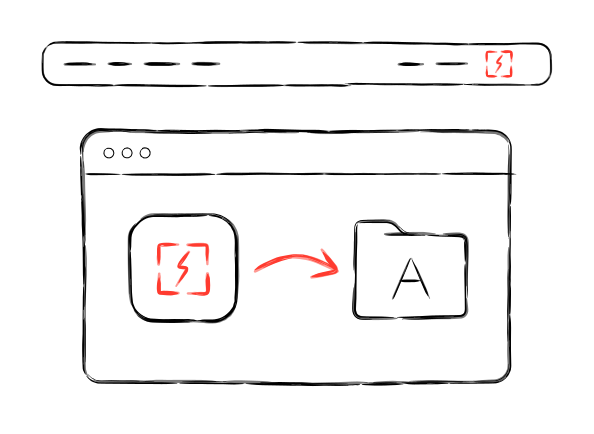
  1. Open the download. Drag Shotbolt to Applications and open it; it lives in the menu bar.

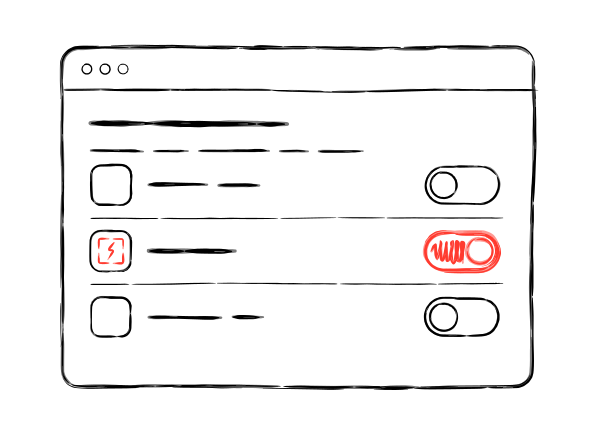
  2. Allow Screen Recording. macOS asks once, and one switch in System Settings is all a screenshot needs.

  3. Press . The welcome tour sets your keys and ends with a real capture.

    macOS keeps , and for its own screenshots until you turn those off. The tour shows you where.

Version 1.2.2. What changedRequires macOS 26 on a Mac with Apple silicon or Intel.

Download for Mac